


WordPress has only recently made it possible for me to preview the emails you receive with my articles in them, and I just figured something out that I thought I should let y’all know about.
When you open your email and you receive one of my articles, it should look something like this at the top:
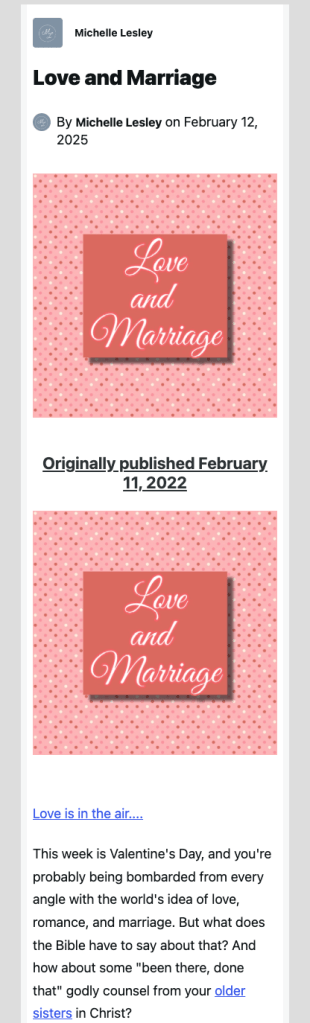
When you see this, you have the option of clicking the link and reading the article on my blog at MichelleLesley.com, or continuing to read the article in your email inbox.
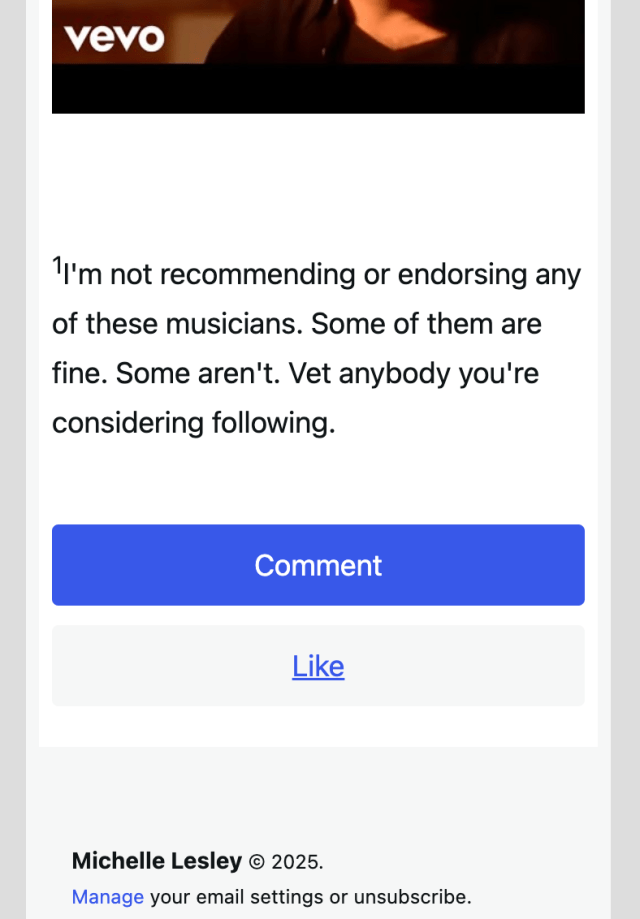
If you continue reading the article in your email inbox, you’ll eventually get to the bottom where you’ll see a button that says “comment,” like this, on your phone…
…or like this on your tablet, laptop, or desktop:
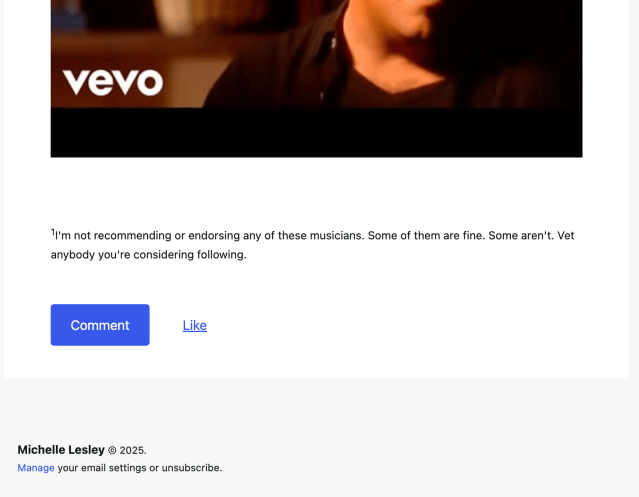
Here’s what it’s important for you to know: If you hit that comment button and type something, you are not sending me a private email just between the two of us. In fact, you’re not sending me an email at all. Whatever you type goes straight to my comments queue at my blog to wait for me to approve and post it, or for me to delete it.
It is just as if you were on my blog and typed a comment in the comment box at the end of the article, knowing that your comment would be posted publicly. Those also go straight to my comments queue.
Here’s the thing: I can’t tell the difference between the two. All comments come to me looking exactly the same, whether you commented from your email or the comment box on the blog.
Why am I writing the most boring post I’ve ever written to tell you this?
Because some of you don’t seem to realize this, and I’m trying to protect your privacy. I don’t want to publish things publicly that you thought were going to remain private.
This comment appeared in my comment queue the other day…

(This is just the opening line of the comment. It went on at length and disclosed much more personal information.)
…and that’s when it finally dawned on me that some of you think you’re sending me a private email when you click “comment” on your email copy of my articles.
But here’s the thing: I can’t respond to these comments without publishing them (publicly) on the blog.
Additionally, some of your email programs don’t get along very well with WordPress, apparently, because sometimes I’ll get a comment that looks like this:
Thanks so much for this article. It reminds me of the time I went duck hunting with my dad. We would ..#$%ebTL)(^&xnRTY
Sent from my Whatever Email Platform
So I don’t even get to read your whole comment, so I don’t know how to respond.
Also, if you use a default signature on your emails, that appears in your comment as well, along with your email address, phone number, place of employment or any other information below your signature.
So, long story short…
- Don’t click “comment” on your email copy of my articles unless you want your comment to be published publicly on the article you just read. (Clicking “like” also appears publicly on the article with your avatar.) Go to the blog and comment there instead.
- If you use a default signature, either delete it before sending your comment, or go to the blog and comment there instead.
- Familiarize yourself with my comment and email parameters.
- You are welcome to send me an actual email, but please read the information here first, understand that your email probably won’t be answered, and (unless you specify otherwise) that it may be used in a future edition of The Mailbag. This is the primary way I respond to readers’ emails.
I hope this information will be helpful in protecting your privacy.
